2019
Project Context Bachelor’s Thesis Project
Roles UI design, user analysis, user interaction
Challenge The startup LoCoMoGo wanted to teach children from the ages of 4 to 6 the basics of programming with their toy train. The app accompanying the toy had to be designed based on the capabilities of the target group.
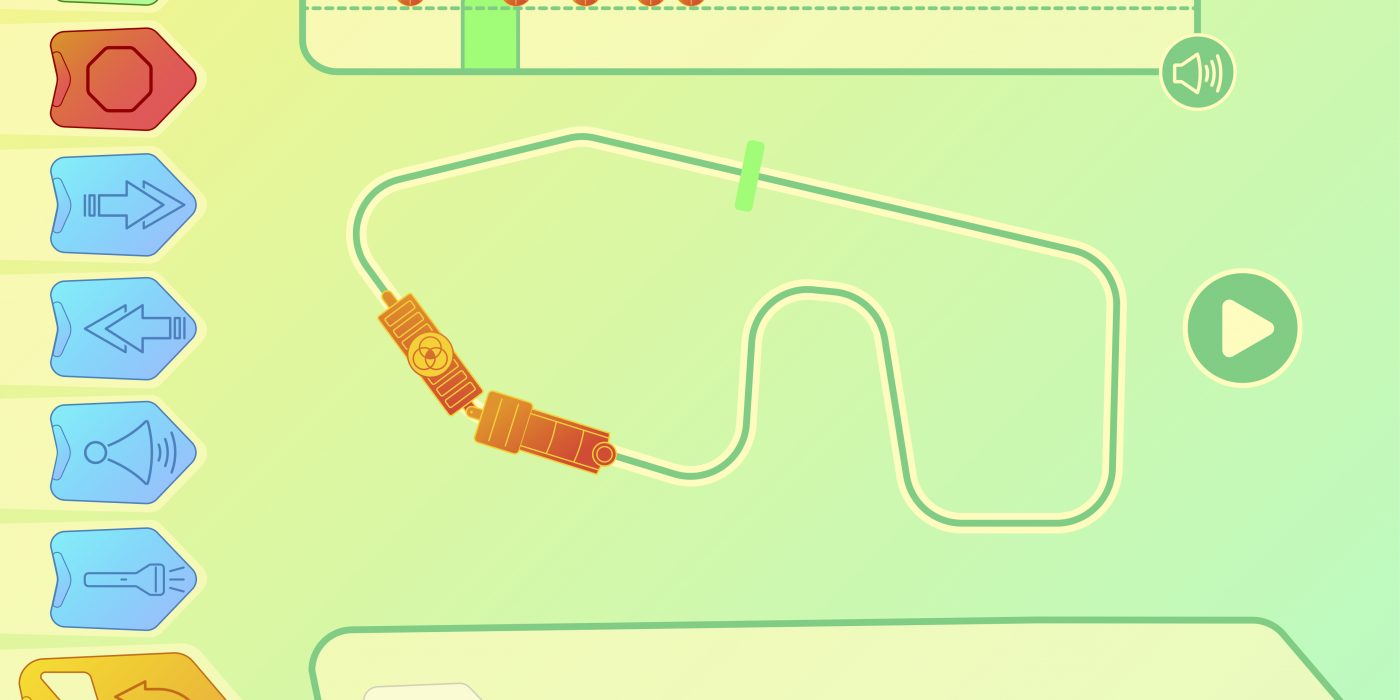
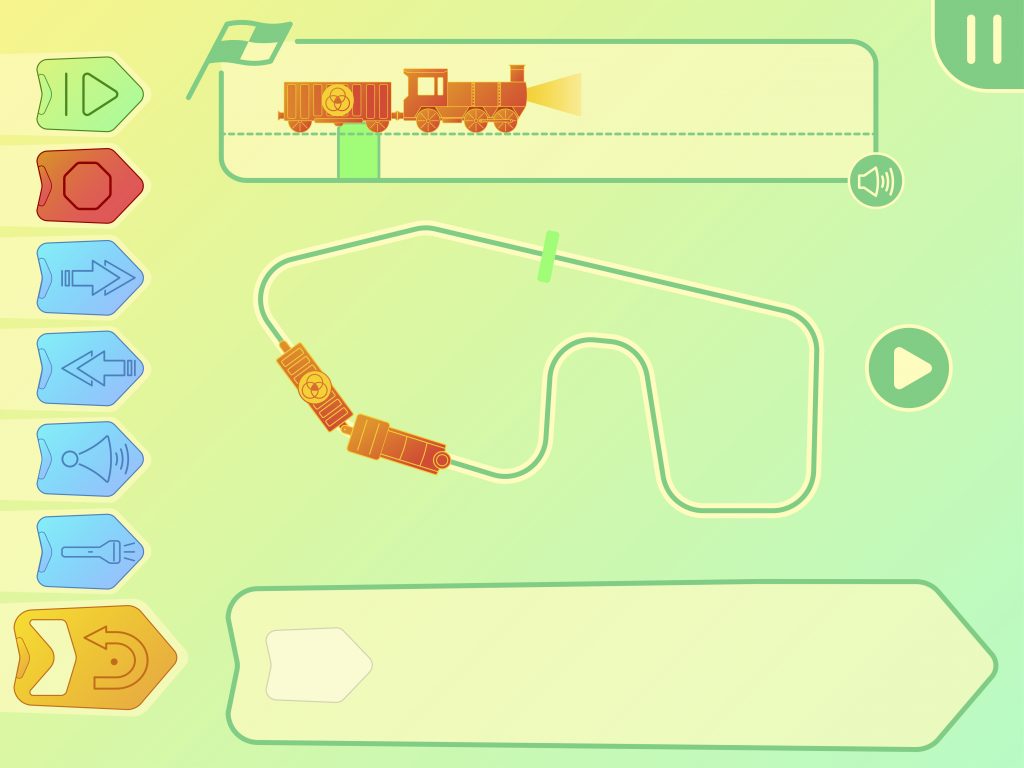
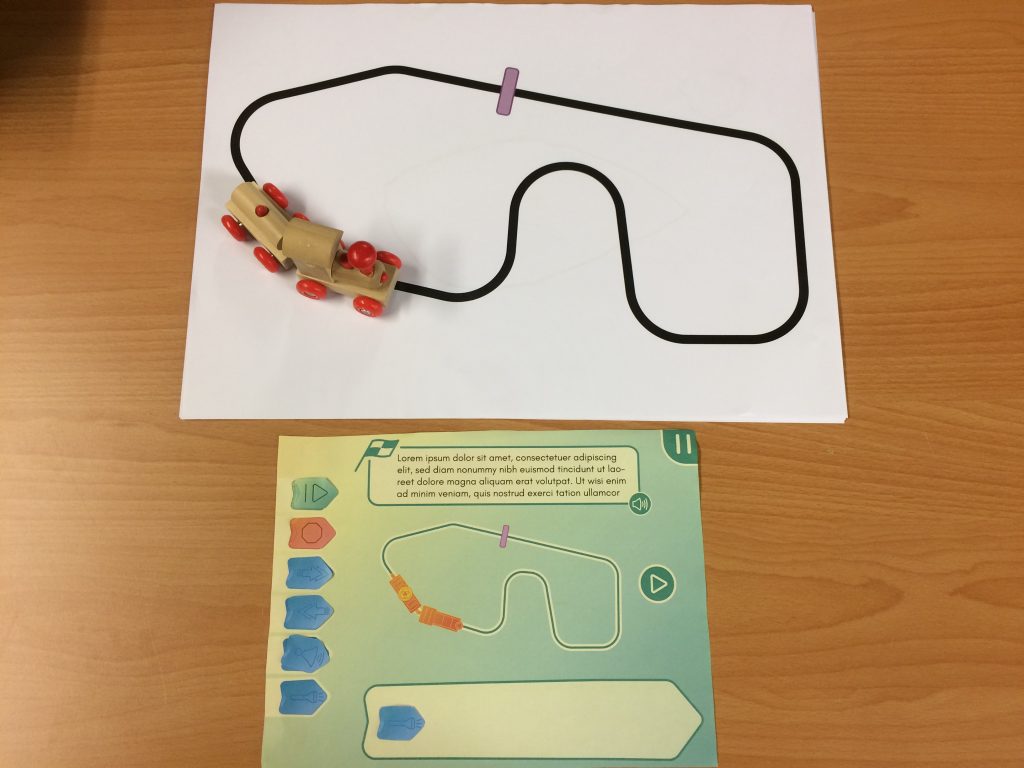
Result App design visualized in an Adobe XD prototype, paper prototype and video mock-up of certain animations.
Details
The demand for STEM (Science, Technology, Engineering and Mathematics) in the labour market is high these days and so might be the number of parents that want to prepare their children for it. The startup LoCoMoGo was developing a toy train that teaches children programming to satisfy this demand. However, the primary objective, according to LoCoMoGo, had to always be for the child to play and have fun. Part of their product was going to be an app used to program the train wirelessly. The purpose of the assignment was to design this app for children between the ages of four to six and to create a prototype.

Before designing, a literature review was performed to understand how children learn through play, what they can be taught about programming at such a young age and how do children interact with digital devices. This provided a framework for later design choices, for example the ‘5E instructional model’ was used to guide learning. During the design process, a low-fidelity prototype was tested with young children to evaluate the current concept and guide further design choices.
The final result was a prototype of the app made in Adobe XD and a mock-up in Adobe After Effects for certain animations. The app allows children to learn the basics of programming through concepts as sequential and conditional programming. As the users would be very young while still being cognitively underdeveloped, the app needed a step-by-step approach. In the free play game mode children have the possibility to explore the possibilities on their own, while the levels provide a more structured approach.